A technician finishes a job at a customer’s home. The customer is ready to pay, but the next step is to send bank details and check for a transfer later. A mobile payment setup lets the technician take payment during the visit or send a link if someone else is paying.
Fiuu Virtual Terminal is a mobile payment app that lets eligible businesses accept supported contactless and QR payments, request remote payments through Payment Links and check transaction activity from a compatible smartphone.
Key Takeaways
- Use Tap to Pay or QR when the customer is present, or send a Payment Link when they need to pay remotely.
- Check payment status and share digital receipts through the Fiuu VT app.
- Confirm which features and payment methods are available for your market, device and merchant setup.
Three ways to collect payments with Fiuu VT
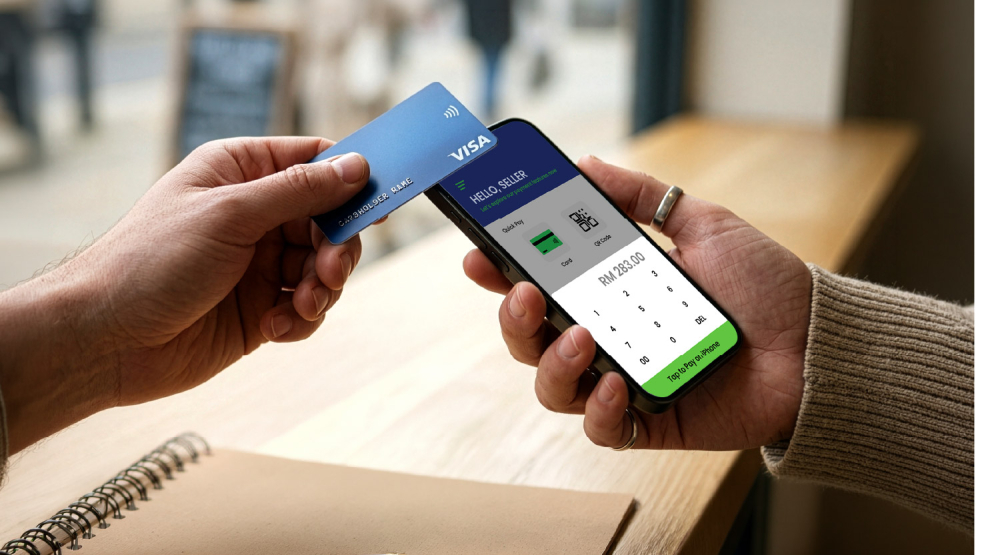
→ Tap to Pay for contactless payments
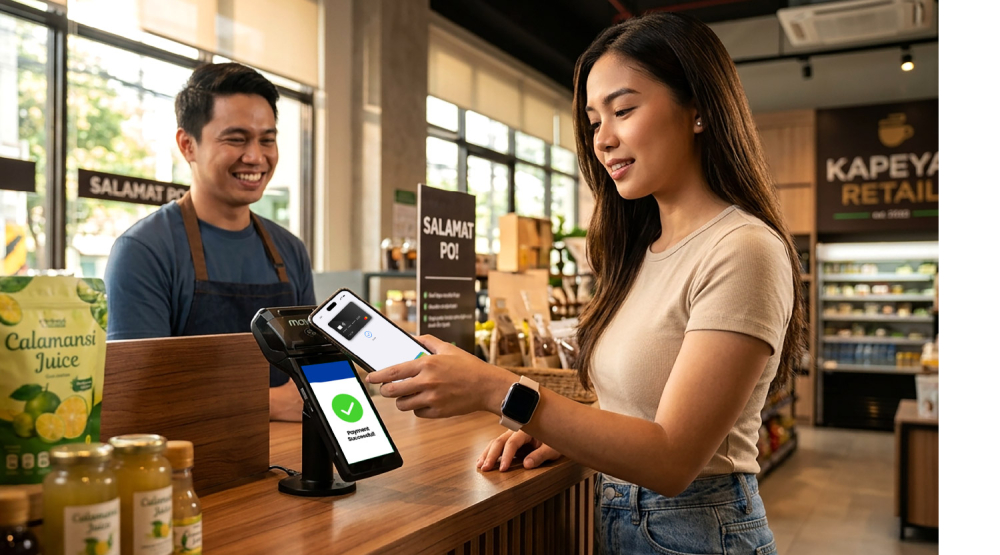
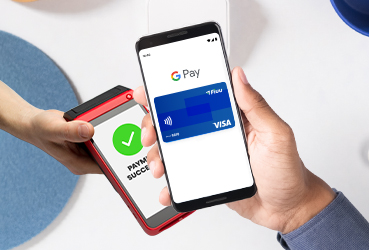
Enter the amount and ask the customer to tap a supported contactless card or device on your compatible smartphone. Fiuu offers Tap to Pay on iPhone to eligible merchants in Singapore and Malaysia. Fiuu also lists Tap to Pay on Android. Check Android availability and device compatibility for your market.
→ QR payments for customers who prefer to scan
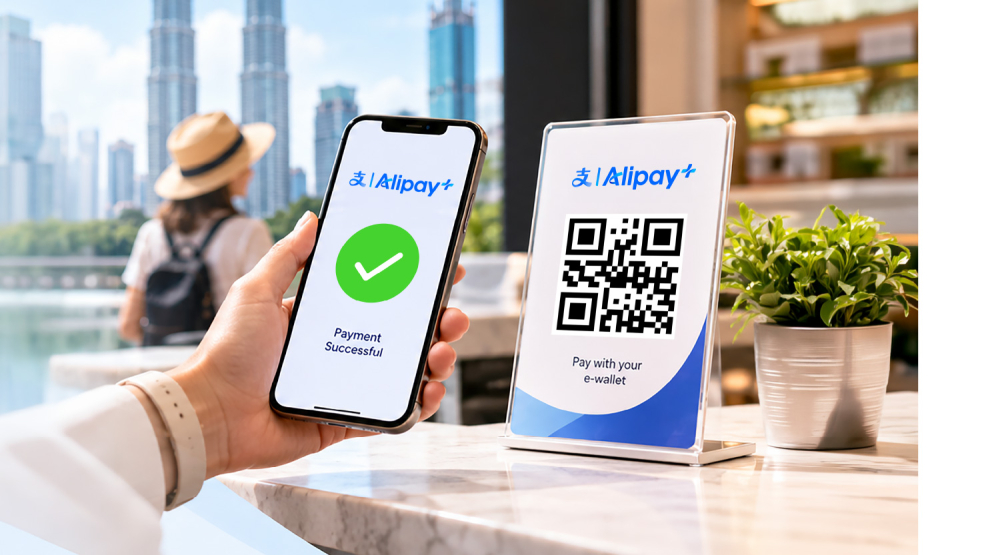
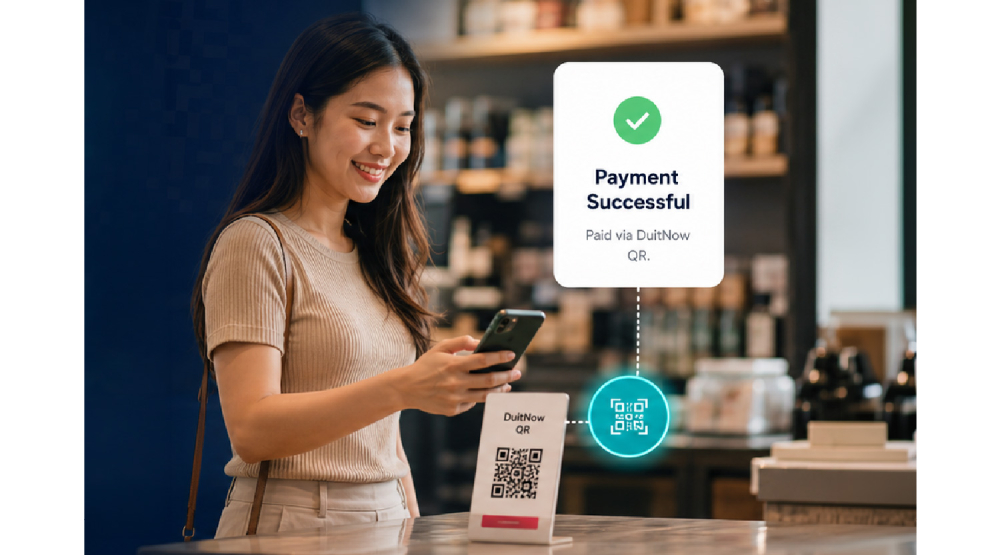
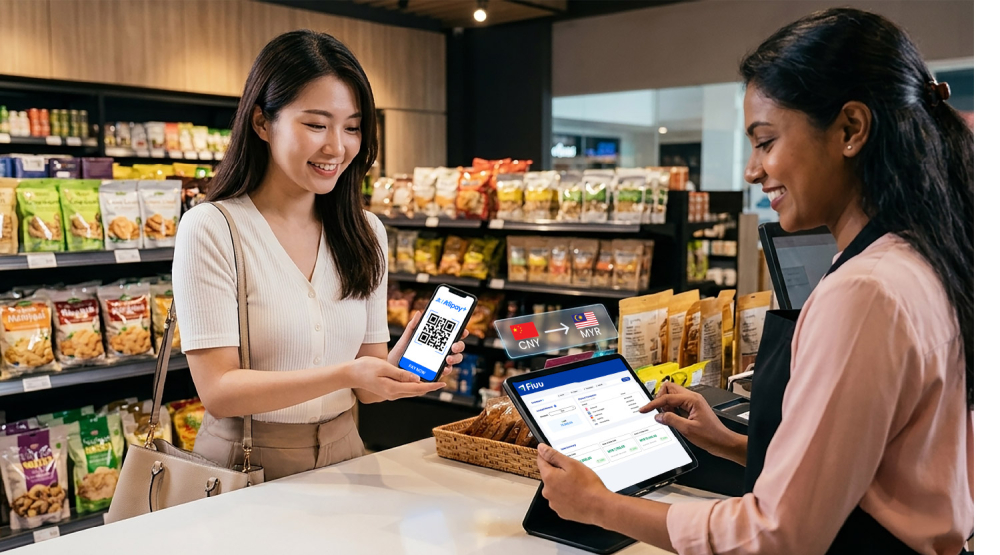
Show the payment QR code in the app. The customer scans it with a supported payment app and confirms the transaction. This gives staff another way to take payment in person using the same phone.
→ Payment Links for remote collection
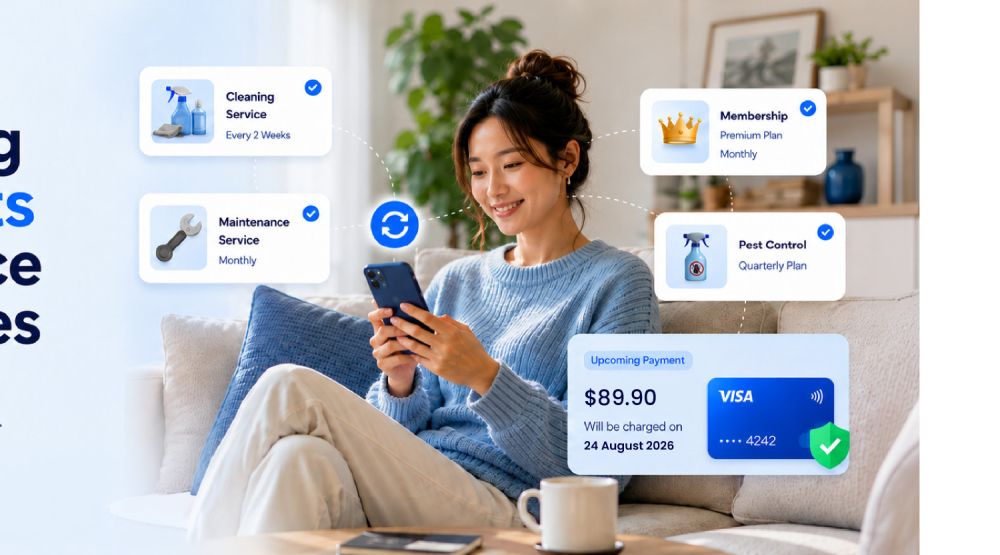
Create a Payment Link in the app and share it directly with the customer. They open the link and choose from the payment methods shown at checkout. Use it to request a workshop fee before an event or collect the balance after a project.
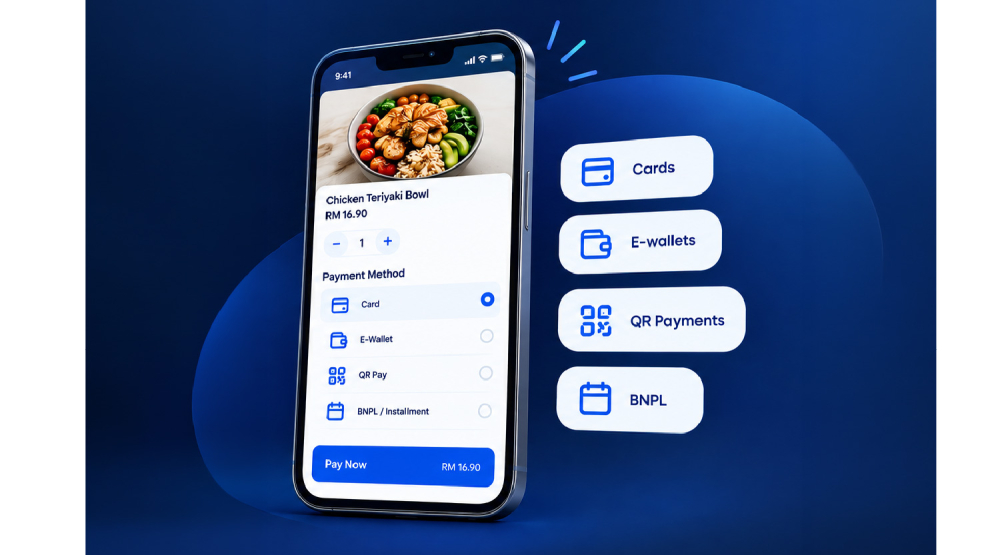
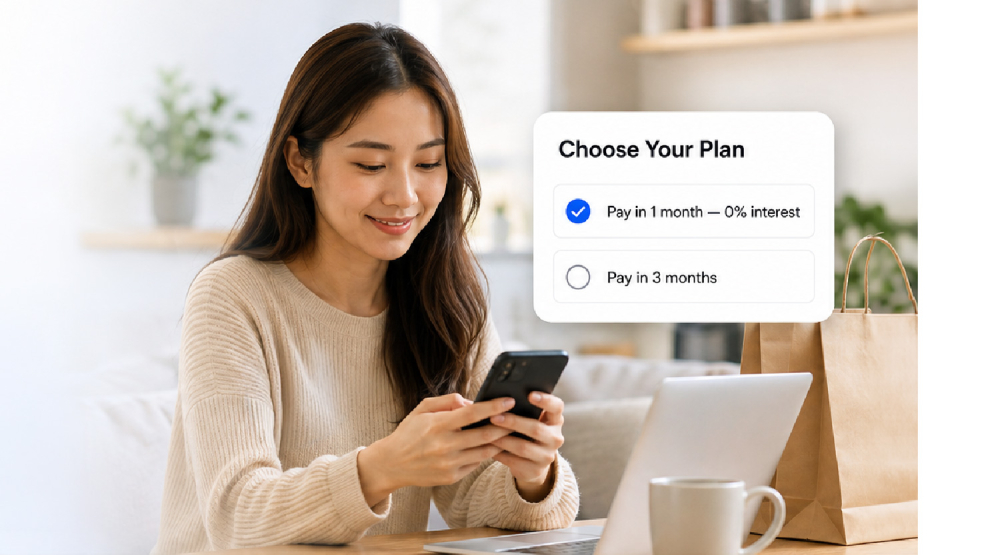
Depending on the market and merchant setup, supported methods can include cards, e-wallets, online banking and buy now, pay later (BNPL). The options customers see depend on how you collect the payment and which methods are enabled.
Where Fiuu VT fits into your business
| Business situation | How Fiuu VT can help |
|---|---|
| At a customer’s location | Use Tap to Pay on a compatible smartphone to accept contactless payment after a repair or service visit. |
| At an event or temporary venue | Display a payment QR code at a pop-up stall or workshop so customers can scan and pay with a supported payment app. |
| When the customer pays remotely | Send a Payment Link to collect a booking deposit or the remaining balance on a project. |
Check payments and share receipts in the app
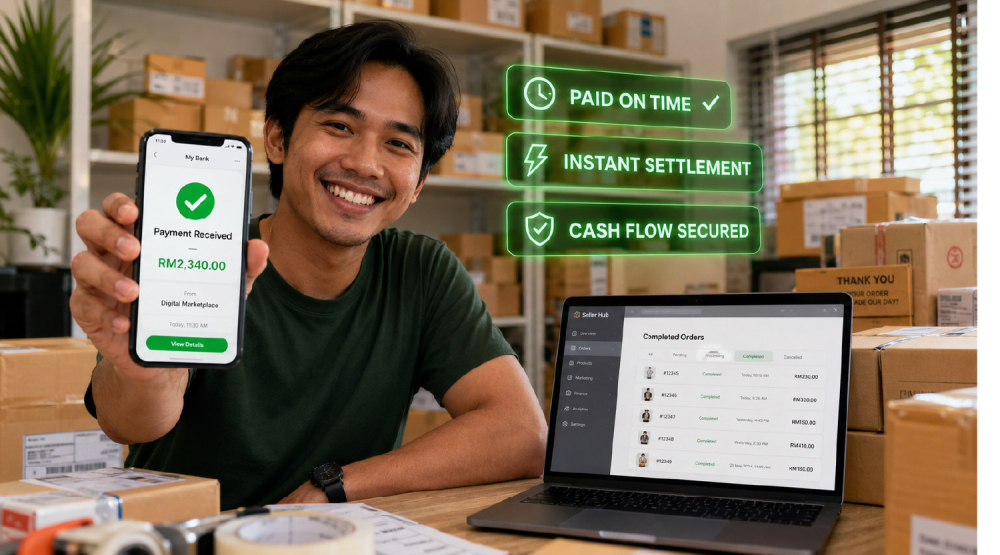
The Fiuu VT dashboard shows transaction status, payment history and daily reports. Staff can check whether a transaction has gone through before following up and share digital receipts by SMS or email. For businesses with several staff collecting payments, Fiuu VT supports up to 1,000 sub-accounts, subject to the merchant setup.
How Fiuu VT fits alongside a physical terminal
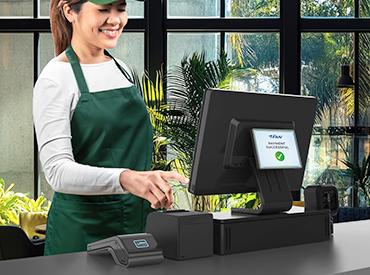
A Fiuu Payment Terminal gives staff a dedicated device for taking in-person payments. Fiuu offers cordless hardware, which can be useful for businesses that take payments at the counter and at the table. Fiuu VT uses a compatible smartphone for supported in-person payments and lets staff send Payment Links for remote collection. A retailer could use a dedicated terminal at its main checkout and Fiuu VT at a weekend pop-up, where both setups are available.
Frequently Asked Questions
What is Fiuu Virtual Terminal?
Fiuu Virtual Terminal is a mobile payment app that lets eligible businesses accept supported contactless and QR payments, send Payment Links and track transactions from a compatible smartphone.
Do I need a website to collect payments with Fiuu VT?
You can use Payment Links without a business website. Eligible merchants can create a link in Fiuu VT and send customers directly to the payment page.
Where is Tap to Pay on iPhone available with Fiuu?
Tap to Pay on iPhone is available to eligible Fiuu merchants in Singapore and Malaysia. Merchants can accept supported contactless payments directly on a compatible iPhone.
Can I use Tap to Pay on an Android phone?
Fiuu VT supports Tap to Pay on compatible Android devices. Check with Fiuu to confirm whether your phone model and merchant setup are supported in your market.
Can multiple staff members use Fiuu VT?
Yes. Businesses can give staff their own sub-accounts to collect payments during customer visits, at events or across locations. Fiuu VT supports up to 1,000 sub-accounts, depending on the merchant setup.
Explore Fiuu Virtual Terminal
See how Fiuu VT works and check which features are available for your business.